
MCP Server Security
MCP Server Security That Fits How You Work
Four authentication modes, encrypted secrets, and rate limiting, configurable per server without touching a line of tool code.
What's included
Access control built for every use case
Pick the authentication mode that matches who should be able to call each MCP server.
Public access
Open access for MCP servers that expose only non-sensitive tools, with no authentication required.
API Key authentication
Require a static API key on every request to the server, ideal for internal or partner integrations.
OAuth 2.0
Full OAuth 2.0 support for MCP clients that need to authenticate on behalf of an individual user.
Bearer Token
Token-based authentication for clients that manage their own credential issuance and rotation.
Encrypted secrets
API keys and credentials used by your tools are stored encrypted with AES-256 and referenced in code as env.MY_KEY. They are never hardcoded, never visible in logs, never exposed in responses.
Rate limiting
Limit request volume per server to protect it from abusive or accidental traffic spikes.
Full error visibility
Every failed call captures the full stack trace and input parameters, so a suspicious pattern of failures is easy to spot.
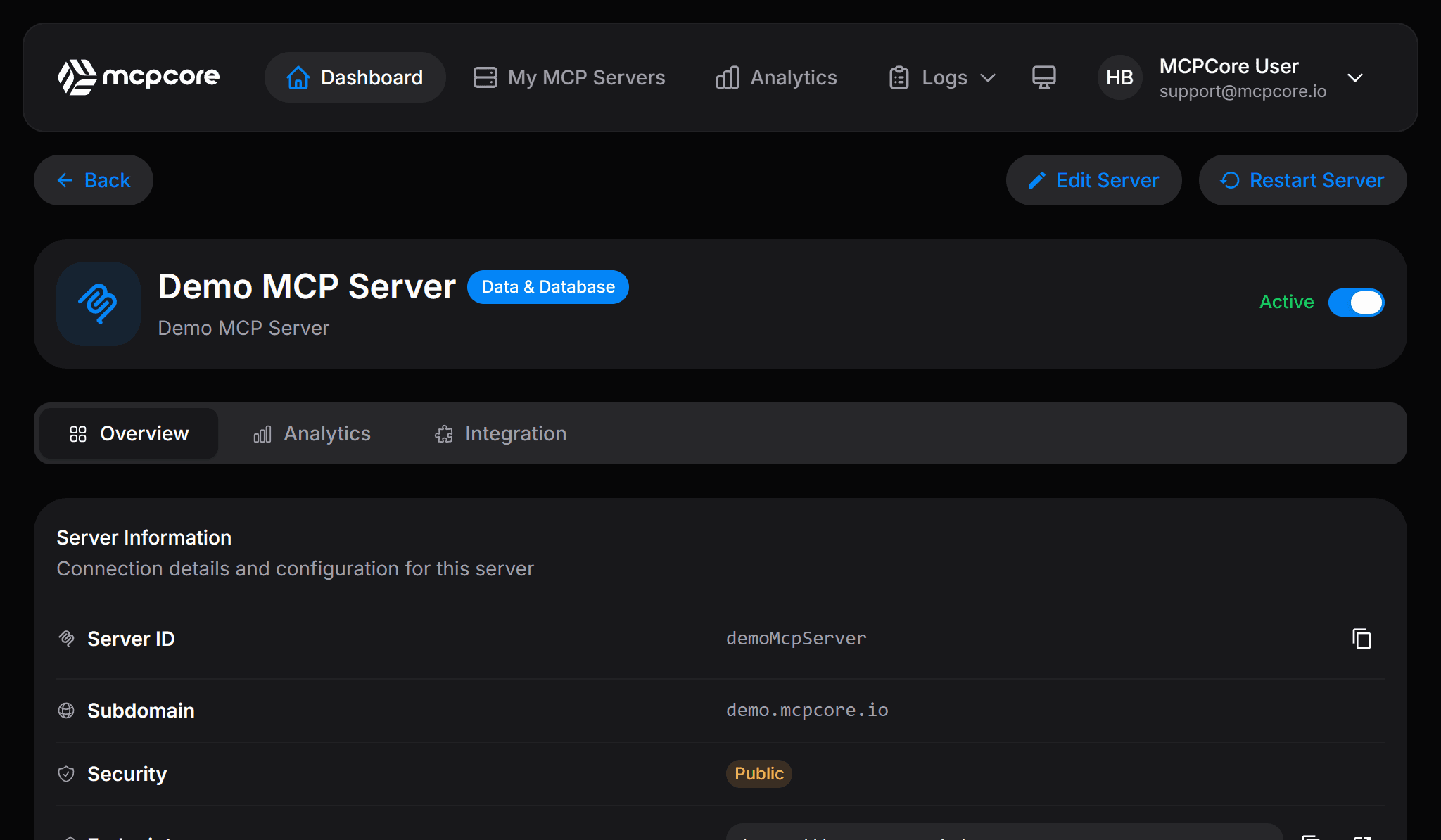
Server settings
Security configuration on the same screen as everything else
Security compared
Building security yourself vs MCPCore's built-in security
Authentication, secret storage, and rate limiting are usually the parts of an MCP server that take the longest to get right.
Security features included on every plan
All four authentication modes and encrypted secrets are available starting on the free tier.
FAQ
MCP server security questions
What authentication modes does MCPCore support for MCP servers?
Four modes are available per server: Public, API Key, OAuth 2.0, and Bearer Token. You can mix modes across different servers depending on who needs access.
How does MCPCore store API keys and secrets?
Secrets are encrypted with AES-256 and referenced in tool code as env.MY_KEY. They are never hardcoded in your code, never shown in logs, and never returned in tool responses.
Can I switch an MCP server's auth mode without changing my tool code?
Yes. Authentication is a per-server setting. Changing it does not require editing or redeploying any of the server's tools.
Does MCPCore support OAuth 2.1 for MCP servers?
OAuth 2.0 is available today as one of the four authentication modes. Refer to the documentation for the latest supported OAuth flows as the MCP authorization specification evolves.
Can I rate limit an individual MCP server?
Yes. Rate limiting is configurable per server to protect it from abusive or unexpectedly high traffic.
Start building today
Free tier available. No credit card required. Get your first MCP server running in minutes.